Places
Ten places kitchens run Dine
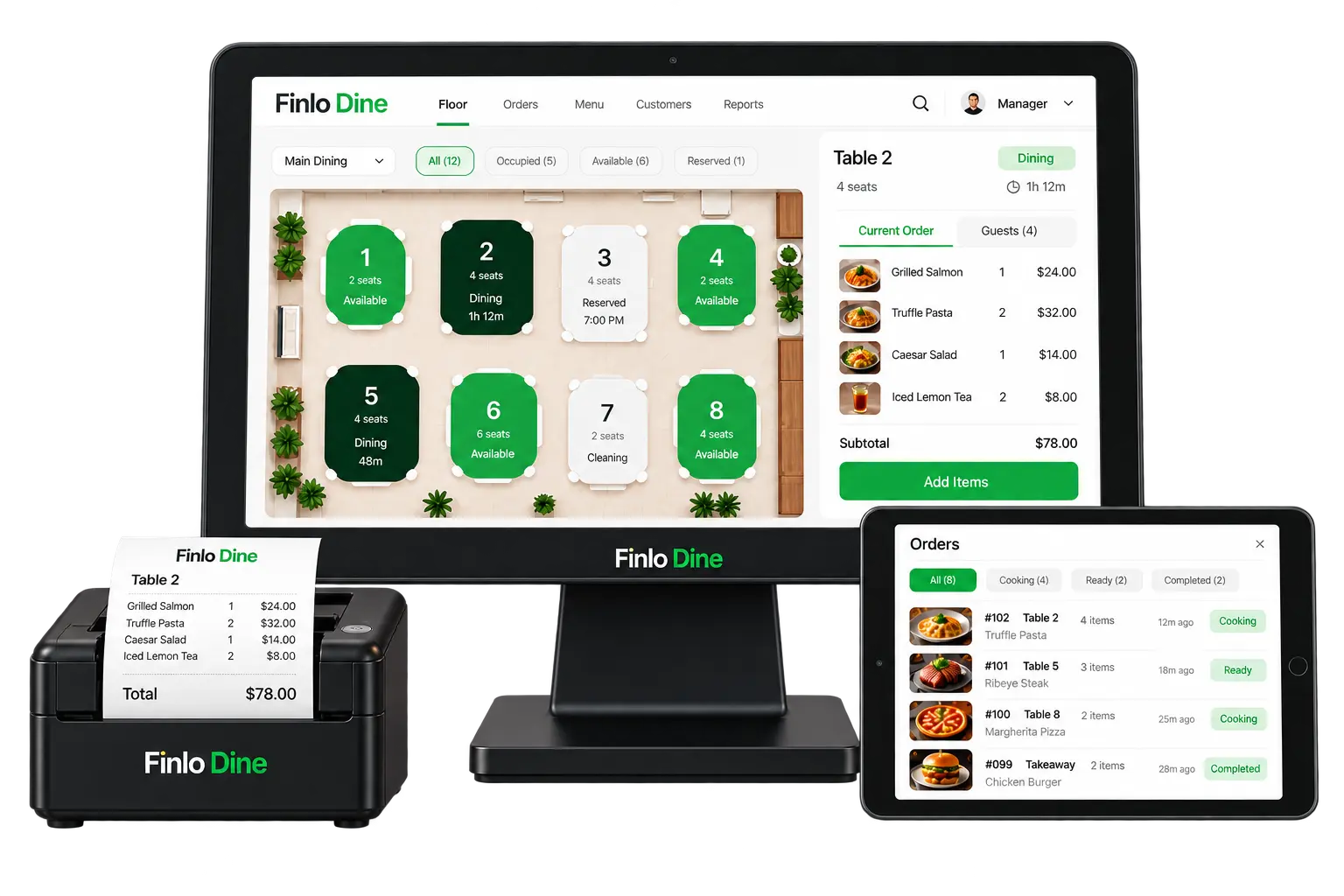
The same path in each room: seat or open an order, send it to the kitchen, serve when it is Ready, then print the bill.
Casual dining restaurants
Family restaurants · multi-cuisine
Busy floors need to know which tables are free, which are still dining, and which are ready to bill.
- Live floor plan with Available, Occupied, Reserved, and Cleaning
- Orders on the table ticket with a running subtotal
- Kitchen sees the same items, with time on the ticket
Fine dining rooms
Reserved tables · paced service
Hosts mark tables Reserved before the party arrives. Service opens the table, and the pass tracks Cooking and Ready without shouted tickets.
- Seat counts and dining time on each table
- Course items added to one ticket
- Itemised bill printed when the table is ready to leave
Cafés and quick service
Counter · few tables · high volume
Short menus and fast tickets. Staff take the order, the board shows what is cooking, and the thermal printer drops the bill at the counter.
- Menu items added in a few taps
- Cooking, Ready, and Completed so the pass stays clear
- Printed receipt as soon as the guest pays
Cloud kitchens and takeaway
No floor · kitchen-first
When there is no dining room, the kitchen board and the bill do the work. Each order is a ticket with items, status, and a printed receipt.
- Orders land on the handheld or tablet in the kitchen
- Elapsed time shows which ticket is ageing
- Receipt print for the handoff at the counter
Hotel restaurants and coffee shops
All-day dining · lobby café
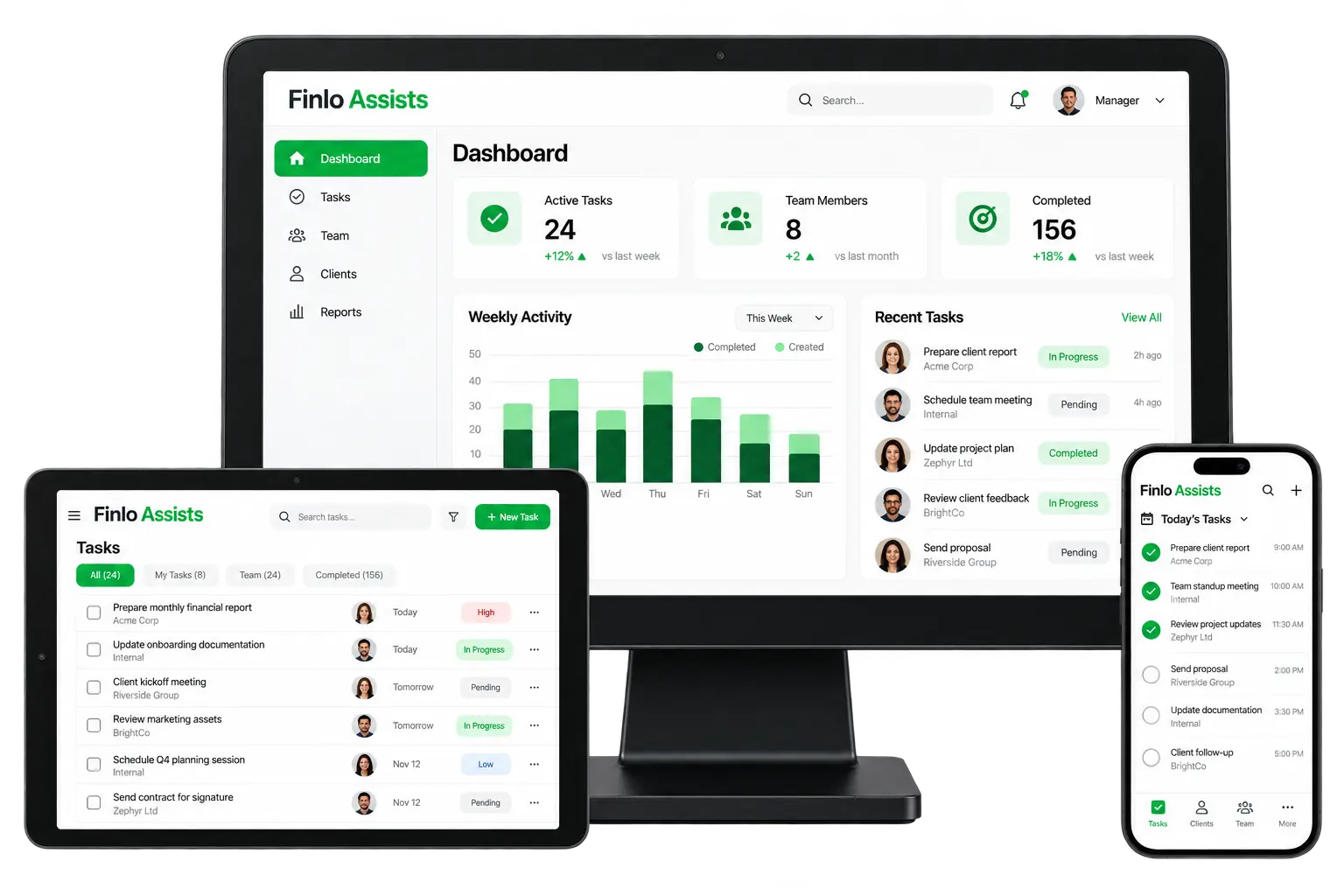
Each outlet runs its own floor and kitchen board. Housekeeping and engineering tasks stay on Finlo Assists; the restaurant stays on Dine.
- Table status for the outlet that is open now
- Kitchen tickets by station on one board
- Shift reports for covers and sales
Banquet and marriage halls
Reserved layouts · plated service
Mark the hall’s tables Reserved for the function, then open orders as service starts. The kitchen works the board; billing prints when the host settles.
- Reserved tables visible before guests sit
- One ticket per table for plated or buffet add-ons
- Itemised printout for the final bill
Office, college, and hospital canteens
Counter service · meal rushes
Lunch rush is a queue of short orders. Capture the items, push them to the kitchen or hot line, and print a bill the guest can see.
- Fast counter tickets from the menu
- Ready status so the counter knows what to hand over
- Shift report after the meal window closes
Bars and lounges
Tables · running tabs
Tables stay Occupied while the tab grows. Staff add rounds to the same ticket and print once, when the party is done.
- Floor view of which tables are still open
- Running subtotal on the order sidebar
- One printed bill at close
Bakeries, mithai, and dessert cafés
Counter plus a few seats
Takeaway and the two or three dine-in tables share one menu. Seated guests get a table; counter sales get an order and a receipt.
- Menu managed in the same POS
- Small floor plan for the seats you actually have
- Thermal bill for both counter and table
Resort and club dining outlets
Poolside · all-day dining · clubhouse
Each restaurant or clubhouse outlet keeps its own tables, menu, and kitchen tickets, so the pool café does not share a handwritten pad with the main kitchen.
- Floor status for that outlet’s tables
- Kitchen board for the station serving it
- Reports per shift so F&B knows how the outlet did