Places
Ten places teams run Assists
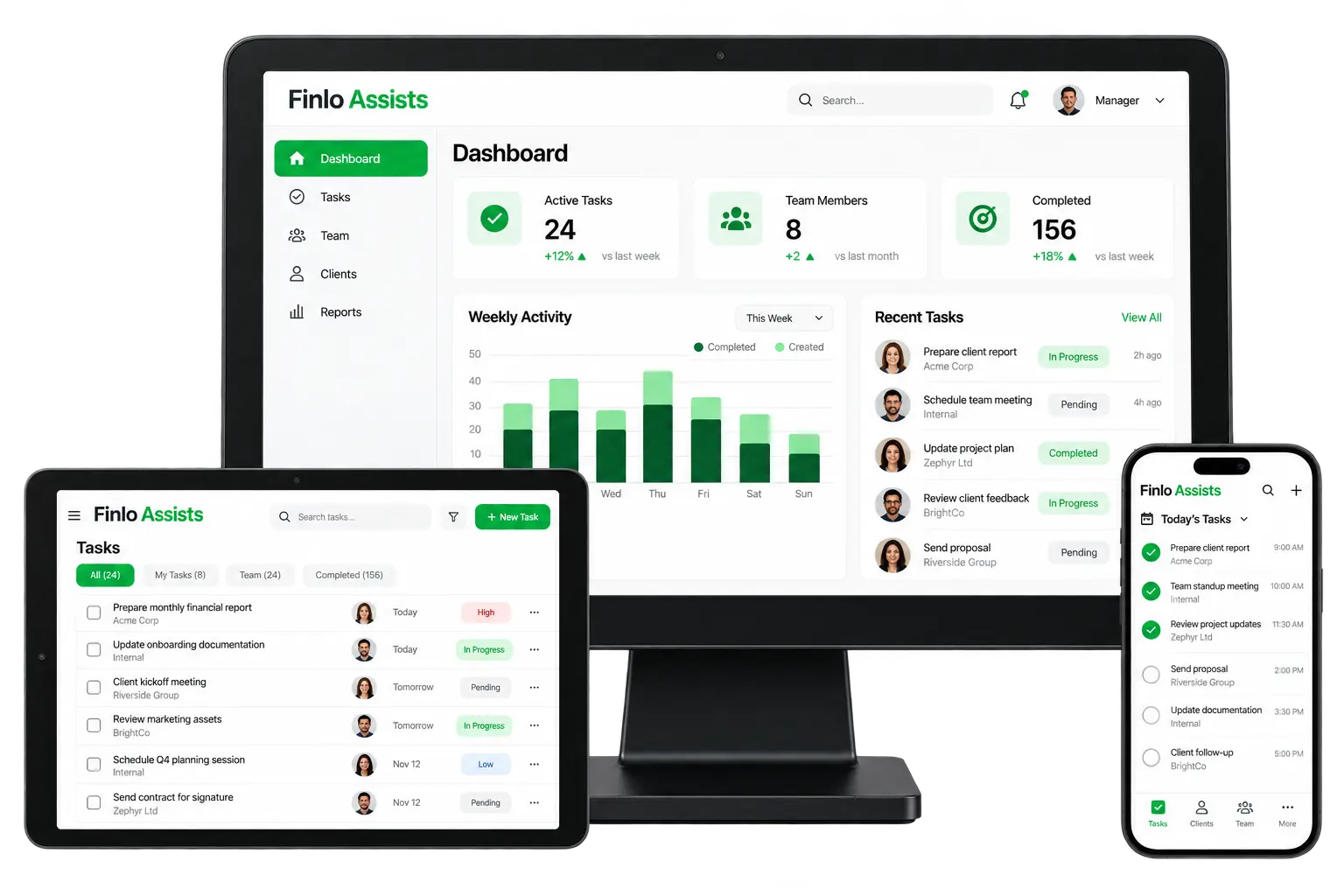
Each one uses the same loop: create a task, assign an owner, track status, and close it from the mobile schedule.
Multi-outlet retail and franchises
Branches · area managers
Head office and store managers share one board instead of a different WhatsApp group for every outlet.
- Opening, closing, and visual checks assigned to each store
- Filter by team to see which branch is behind
- Completed counts and weekly activity for area reviews
Field service and home repair
AC · plumbing · electrical · appliances
Dispatchers build the day. Technicians work it from the phone, in the order it was scheduled.
- Today’s Tasks timeline with a clear owner for each job
- High priority for breakdowns, Low for routine visits
- Status moves from Pending to In Progress to Completed on site
Facility and property management
Societies · offices · commercial buildings
Housekeeping, engineering, and vendor follow-ups stay on one list with a due date and a person responsible.
- Maintenance jobs linked to a building or client
- Mobile check-off as rounds finish
- Managers see active load before the backlog grows
Hotel and resort operations
Housekeeping · engineering · banquets
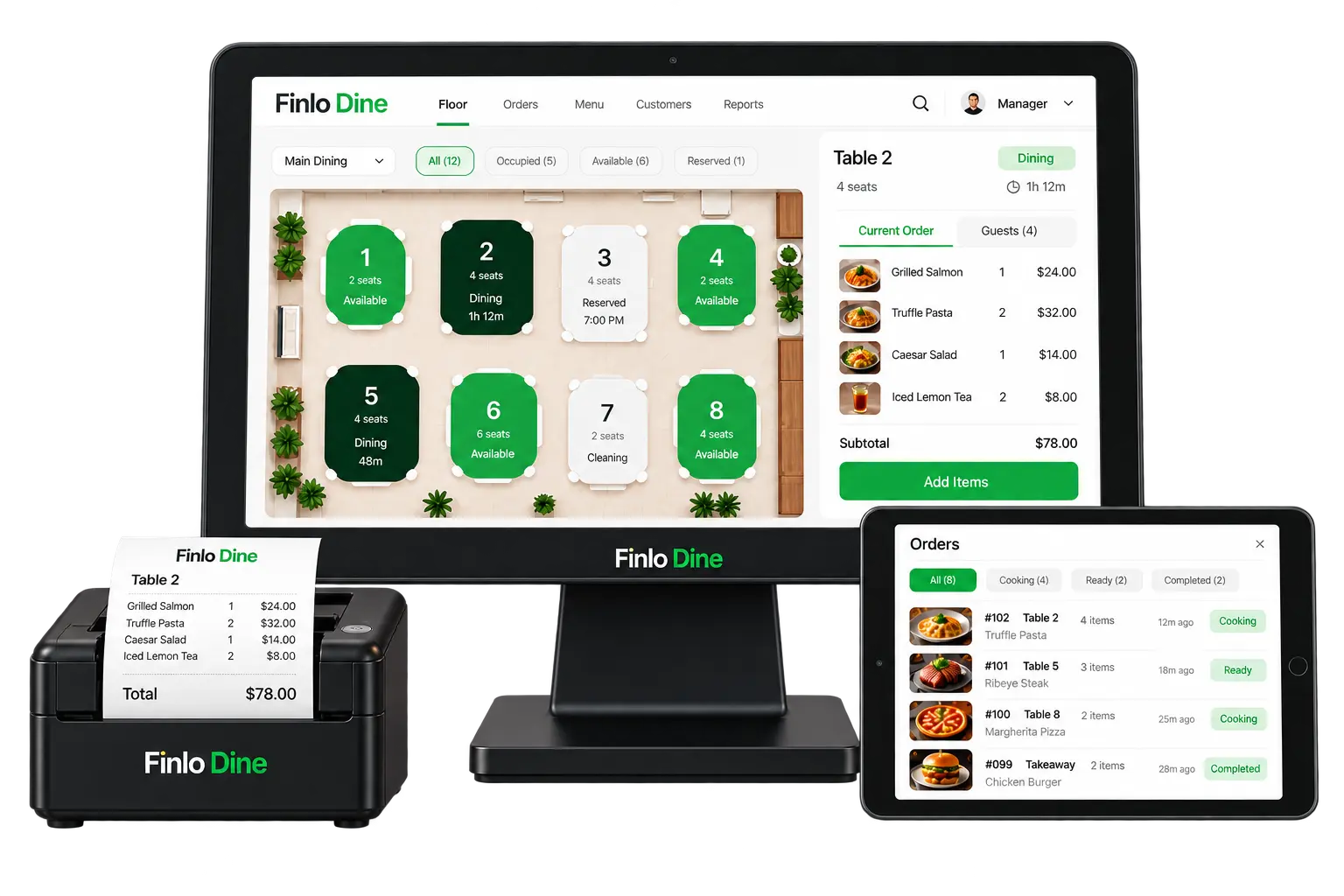
Back-of-house work — room readiness, repairs, event setup — is assigned and closed without chasing staff on calls. Guest billing at the restaurant stays on Finlo Dine.
- Shift tasks with priority and assignee
- Supervisors watch completion from the dashboard
- Tablet view for the duty manager on the floor
Event and venue crews
Setup · show day · teardown
Each show is a client. Tasks cover load-in, guest flow, and strike, with owners who can see the list on their phones.
- Client name on every job so crews know which event it belongs to
- Due times that match the run of show
- Completed work visible before the next stand-up
Agencies and client delivery
Studios · service firms · account teams
Delivery work is tied to a client, a due date, and a priority, so account managers are not the only people who know what is late.
- My Tasks for each person, Team for the lead
- High / Low tags so urgent client work stays visible
- Weekly created-vs-completed chart for reviews
Warehouses and dispatch
Inbound · pick · pack · dispatch
Shift leads turn the day’s work into tasks. Floor staff mark them done as cartons move, and the supervisor sees the count without walking every aisle.
- Tasks filtered by team or by what is still open
- Mobile schedule for staff who are not at a desk
- Completed totals for the end-of-shift check
Campuses, clinics, and offices
Admin · facilities · front office
Use it for operational follow-ups — vendor visits, room prep, maintenance, admin checklists — not for patient records or student marks.
- A shared board for admin and facilities
- Due dates so recurring jobs do not depend on memory
- Phone list for staff moving between buildings
Workshops and small plants
Maintenance · quality · shift handover
Supervisors assign checks and repairs with a priority. The next shift opens the board and sees what is still In Progress.
- Machine and quality jobs with an owner
- Pending versus Completed so handovers are written down
- Activity reports for the weekly operations meeting
Multi-site field programmes
NGOs · surveys · on-ground coordinators
Coordinators assign site visits. Field staff work Today’s Tasks. Programme leads see team size, open work, and what actually got finished.
- One task per visit, linked to the site or client
- Mobile check-off where there is no office desk
- Dashboard KPIs instead of end-of-day spreadsheet chase